

Your parent's home

October
Wednesday
21
2:00 PMVisit from Maya

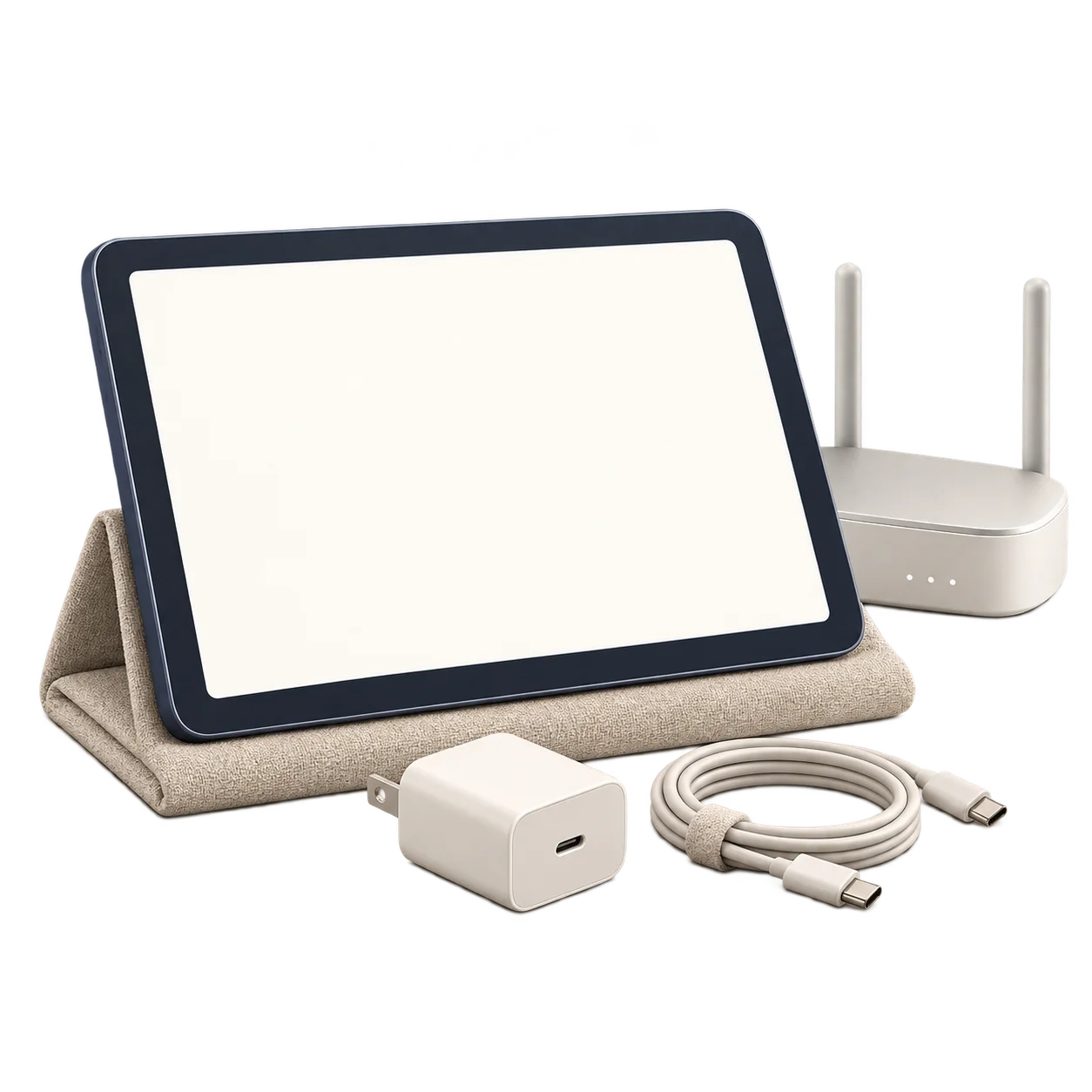
Vela Glance helps you support a parent with memory or orientation difficulties. You update their plans from your home. Your parent sees the date, time and plans on a tablet, without learning an app.
Your home
Move Maya's visit to Thursday.
Your parent's home
Thursday, October 22
1:45 PM
Thursday · 2:00 PMVisit from Maya
See how a changed visit moves from your plans to your parent's screen.
A visit moves to Thursday. The paper calendar still says Wednesday. From another home, you may need someone there to change it.
You want to help with the everyday details, even when you can't be there.
Your parent's home
October
Wednesday
21
With Vela Glance, you keep the plans on your parent's screen up to date from where you live.
Your home
Vela Glance
Move Maya's visit to Thursday.
Your parent doesn't need to sign in, tap through menus or check things off.
Your parent's home
Thursday, October 22
1:45 PM
Thursday · 2:00 PMVisit from Maya
Provide a compatible Android tablet, power and internet, and arrange for someone there to help with setup.
Choose the visits, appointments and other everyday plans you want your parent to have in view.
Change a plan when needed and check whether the app reports receiving the change. Some problems still need help at the tablet.
Ask to be considered for early access to Vela Glance.
Requests are unavailable right now. Please try again later.